
Skip to content
Free browser games for computer, phone and tablet — no downloads.
No downloads · 100% free

Free games to play in your browser

No downloads, no installs, no app store: every game on GamesToPlay runs right in the browser of your computer, phone or tablet. We play each one before it gets a page, write that page ourselves and keep it up to date — so you know what you are getting before you press Play.

Featured game

Our catalog is small on purpose, and growing. Each game has its own page with a review, how to play, controls, requirements, tips and the latest updates.

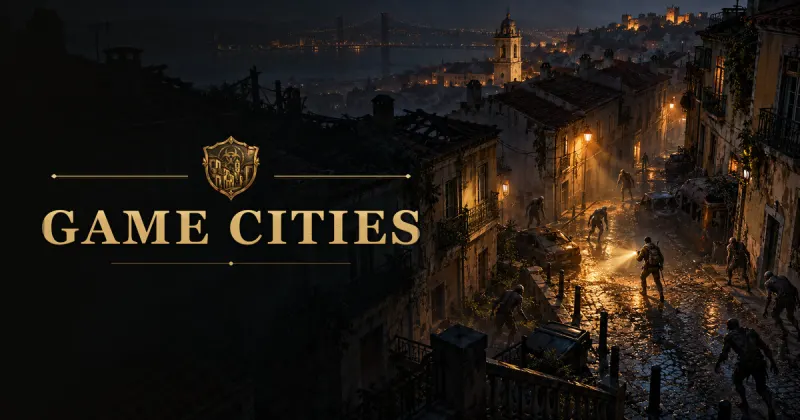
Game Cities key art: survivors with flashlights facing zombies on a cobbled street at night

Game Cities — The Fallen World

Pick any city on the globe, parachute onto a real street and survive the undead with melee weapons, firearms and whatever you can scavenge.

  • Zombie games
  • Action RPG
  • Survival
  • 3D games
  • Multiplayer
  • Real-world maps

Treta Fight

A 2D political satire fighting arcade you play in the browser

Pick a caricature and an arena such as the Brazilian Congress or the White House, then settle the feud in a best-of-three match — against the computer or a friend on the same keyboard.

  • Fighting games
  • Two players
  • Humor and satire

Updated November 1, 2026

Tic-tac-toe

Three in a row against the computer or a friend, right in your browser

The pencil-and-paper classic with three computer levels — the hard one never loses —, a two-player mode on one device and a score saved in your browser.

  • Classics
  • Board games
  • Two players

Updated November 5, 2026

More games are being tested and will be added here as they pass our checks.

What makes GamesToPlay different

  • Hand-picked, not scraped. We do not bulk-import thousands of games from feeds. Every title is played on a computer and on a phone before it gets a page.
  • Written by us. Descriptions, tips and answers are original text written for players, not copied from a store listing or from the game itself.
  • Classics right here, big games on their own address. Simple games such as tic-tac-toe open on their own page without leaving the portal; bigger games run on their own subdomain of gamestoplay.net — for example, game-cities.gamestoplay.net — with their own guide and news.
  • Three languages. The portal is available in English, Portuguese and Spanish, and the Play buttons open each game in the language you are reading.
  • Free to play, honestly. The site and its games are free and supported by ads. We do not list games that sell virtual currency for real money or offer real-money betting.

Latest from Game Cities

Game Cities changes almost every day. These are recent updates worth knowing about:

  • v0.2.110

    More realistic survivors, and buildings everywhere

    Character creation got new realistic models, and cities without Google's 3D buildings now show buildings from open map data instead of empty streets.

  • v0.2.101

    Photorealistic 3D in every city

    The world always uses Google's photorealistic 3D. If the service fails, the game falls back to open map data and brings the 3D back by itself.

  • v0.2.97

    Unarmed combat

    Without a melee weapon, survivors fight with punches, kicks and knee strikes, each with its own reach, damage and knockback.

  • v0.2.88

    Plane or helicopter

    From Base Romu's you can ride the C-390 cargo plane or fly the SH-60B Seahawk helicopter yourself, and then parachute into the city.

Tips for playing games in the browser

Modern browser games use WebGL, the same graphics technology behind online maps and 3D viewers. A few settings make a big difference to how smoothly they run:

  • Keep hardware acceleration on. In Chrome and Edge it is under Settings › System. Without it, 3D games are drawn by the processor alone and become slow.
  • Update your browser. Recent versions of Chrome, Edge, Firefox and Safari bring faster graphics and fix bugs that can crash a game.
  • Close heavy tabs. Video calls, streaming and dozens of open tabs compete with the game for memory and graphics power.
  • On phones, play in landscape. Most action games are designed for a wide screen: turn off the rotation lock and accept full screen when the game offers it.
  • Add games to your Home Screen. On iPhone and Android, "Add to Home Screen" opens a game like an app, without the browser bars and with more room to play.
  • Mind the battery and the heat. 3D games are demanding. Plug in a laptop for long sessions and lower the graphics quality if the device gets hot.

Playing safely

Browser games run inside the browser's sandbox, so they cannot install anything on your device or read your files. We only list games that explain clearly what data they collect, and every game page says who the game is for — zombie action games, for instance, are meant for teenagers and adults. If something on a game looks wrong to you, tell us at [email protected].

Frequently asked questions

Are the games really free?

Yes. You can play every game listed here for free. The portal and the games are supported by ads, and none of them sells in-game currency or items for real money.

Do I need to download or install anything?

No. The games open in the browser you already use, on Windows, macOS, Linux, ChromeOS, Android and iOS. Some can be added to your Home Screen to open like an app.

Do I need an account?

Not on the portal: it has no sign-up at all. Some games offer an optional free account to keep your progress on their servers or to play with other people; each game page explains how it works.

Do the games work on phones and tablets?

The games we list are tested on phones and tablets as well as on computers. When a game works better on one of them, its page says so in the requirements.

How do you choose the games?

A game has to run in the browser without installing anything, be free to play, work well on current devices, respect players' privacy and never sell virtual items for real money. We play it before writing its page, and we say so when a game is made by our own team.

Can I suggest a game?

Yes — developers and players can write to [email protected]. We read every message and answer in English, Portuguese or Spanish.